Icon

DlhSoft Gantt Chart Light Library

for Silverlight™ 4+, and Windows® Presentation Foundation (WPF) and .NET 4+
Related products/versions:
for ASP .NET, WinRT, WPF, Windows® Forms, more

Product Information

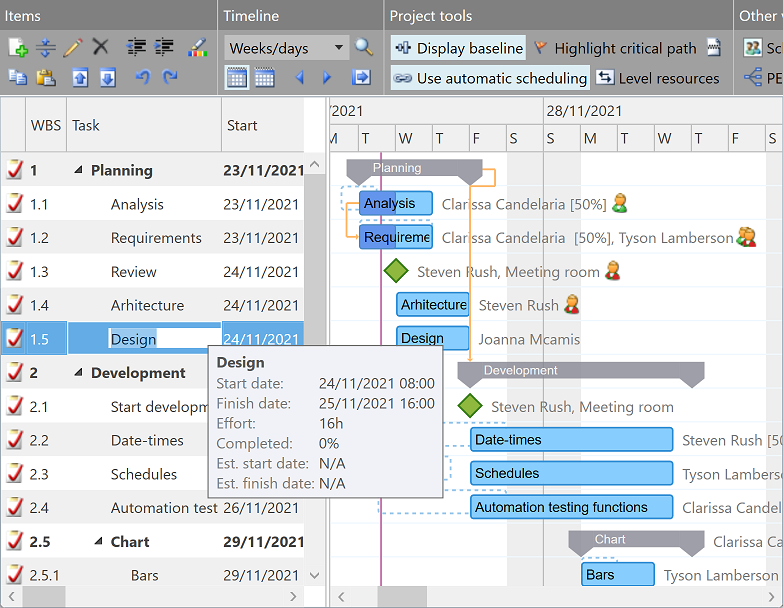
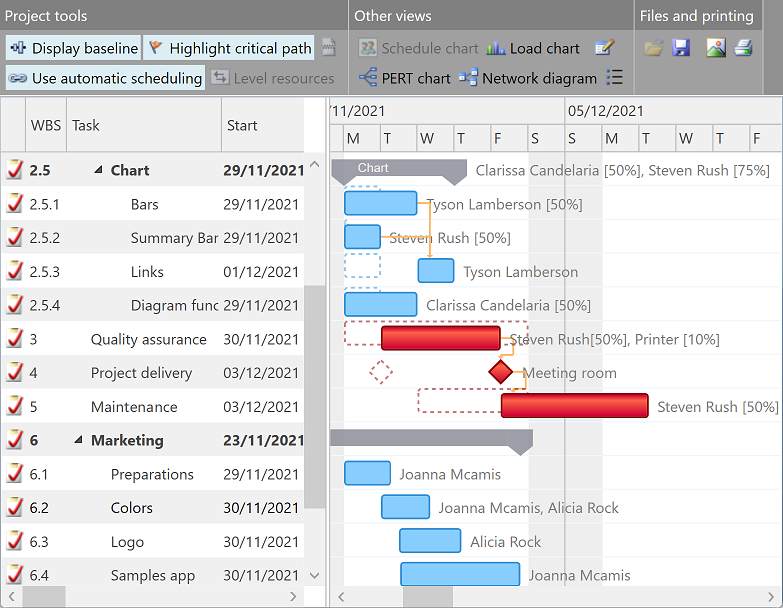
Gantt Chart Light Library includes task hierarchy and resource scheduling components for Silverlight™ and WPF:


Gantt Chart with data grid, Schedule Chart with data grid, Load Chart view, and Network Diagram view
Responsive in <3 sec. when loading 10,000 items on modern PCs

Main features:

  • Interactive task hierarchy management, resource scheduling*, resource load†, and project flow† charts with:
    • Task bars and dependency lines supporting drag and drop operations;
    • Copy and paste operations, undo queue;
    • Working time, scales, and zoom level customization;
    • Project baseline visualization, critical path enumeration;
    • Support to display multiple assignment lines in a single row*;
    • Resource leveling algorithm;
  • Data binding with high customizability;
  • Increased performance for large sets of data;
  • Rich user experience, customizable appearance, culture awareness;
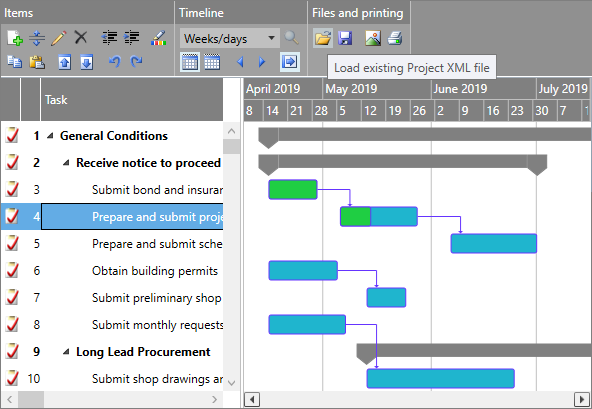
  • Two-way Microsoft Project® XML compatibility*;
  • Customizable printing and image exporting;
  • Model-View-ViewModel (MVVM) pattern support (Prism).

System requirements:


Current build: 4.3.22.4What's new?

Purchase
Provides free access
to all components
for testing purposes.

Rebuilds‡:

Provides access to
all components for
production purposes:
Provides access to
a subset of the components
at a lower price:

Notes:

  • Prices start at only €429.00†.
  • A single license provides access to both Silverlight™ and WPF controls.
  • Silverlight™ controls may be used to develop Web parts for your custom SharePoint® applications.
  • Licensed components may be redistributed royalty-free embedded within your applications.
  • Source code is available when purchasing Business Plus product licenses†.
  • We will develop and add new features requested by customers to future product builds for free if we consider that they enable high valued and common development scenarios. Moreover, we can customize and integrate the components into an application or larger solution based on your specific requirements, as we also offer a full range of convenient software development services.

    * Features requested by customers that have been developed and added to previous product builds for free.

  • By purchasing a license for a specific product version you obtain the ability to upgrade for free to the future builds of the same major product version released in the next year, provided that you continue to use the licensed components available in the original package, and you may renew the license for a small percent of its standard price whenever you would need to use more recent builds. We also offer high discount rates to obtain supplemental licenses for the new components within future product versions, to upgrade to future major product versions, or to migrate to related products, whenever logically applicable.

  • Regardless of legal guarantee limitations specified within the End User License Agreement (EULA) documents of our products, we aim to provide free and unlimited support services to all customers, including answering technical questions and resolving reported issues by providing updated builds and specific hot fixes, at the maximum possible responsiveness level, even while using the trial version of our software.

    † Advanced components and library source code are not available with Basic Edition licenses.
    ‡ Rebuild packs include assembly files only; documentation and sample applications are available with the main product download.
    WPF components from .NET 4.5 assemblies require Visual Studio® 2012.


Using Gantt Chart Light Library software developers can:

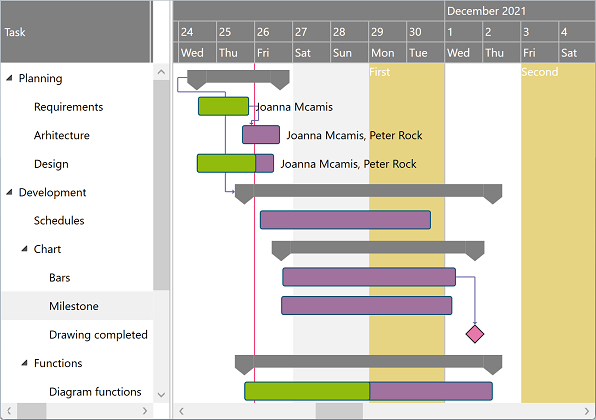
  • Display and allow end users to update an (indentation based) hierarchical list of tasks within the GanttChartDataGrid control; grid columns can be fully customized and templated:

    Gantt Chart with data grid

    <pdgcc:GanttChartDataGrid>
        <pdgcc:GanttChartDataGrid.Items>
            <pdgcc:GanttChartItem Content="Task 1"/>
            <pdgcc:GanttChartItem Content="Task 1.1" Indentation="1" Start="[...]" Finish="[...]"
                                  CompletedFinish="[...]" AssignmentsContent="Resource 1"/>
            <pdgcc:GanttChartItem Content="Task 1.2" Indentation="1" Start="[...]" Finish="[...]"
                                  AssignmentsContent="Resource 1, Resource 2" Predecessors="[...]"/>
            <pdgcc:GanttChartItem Content="Task 2" Predecessors="[...]"/>
            <pdgcc:GanttChartItem Content="Task 2.1" Indentation="1" Start="[...]" Finish="[...]"/>
            <pdgcc:GanttChartItem Content="Task 2.2" Indentation="1"/>
            <pdgcc:GanttChartItem Content="Task 2.2.1" Indentation="2" Start="[...]" Finish="[...]"/>
            <pdgcc:GanttChartItem Content="Task 2.2.2" Indentation="2" Start="[...]" IsMilestone="true"
                                  Predecessors="[...]"/>
        </pdgcc:GanttChartDataGrid.Items>
    </pdgcc:GanttChartDataGrid>

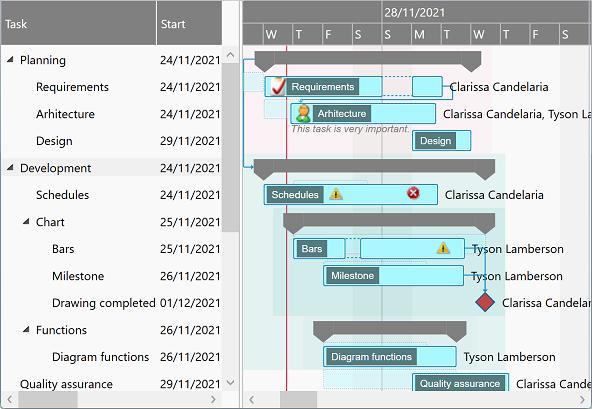
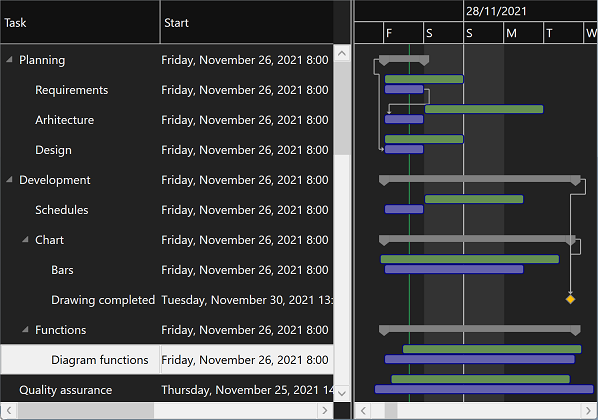
  • Fully customize the item appearance, either for the entire chart or for individual entries in the view:

    Gantt Chart with data grid, custom appearance

  • Fully customize the chart scales, zoom level, and the visible and working times of day and week in the view:

    Gantt Chart with data grid, custom schedule

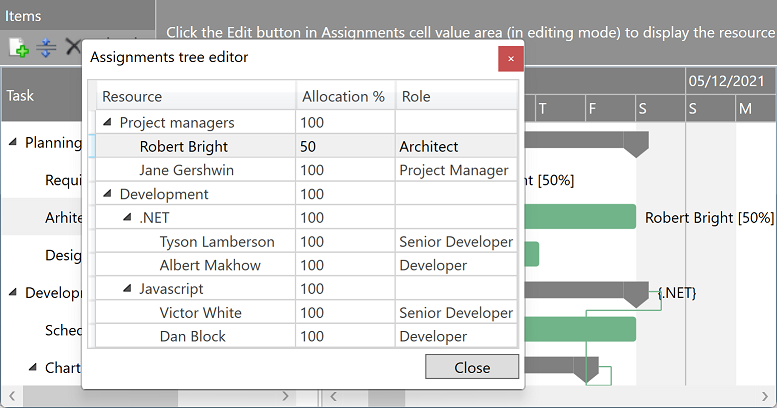
  • Display and allow end users to update the assignable resource list and their task assignments within the ScheduleChartDataGrid control; grid columns can be fully customized and templated:

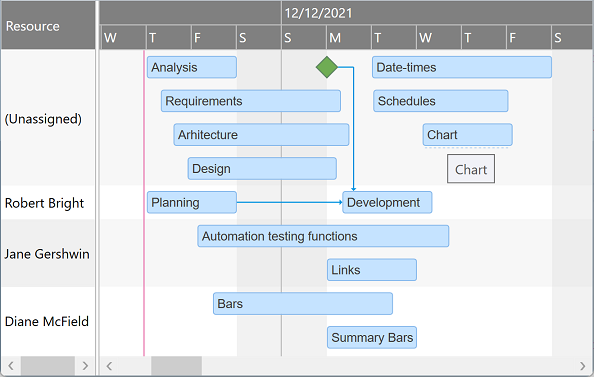
    Schedule Chart with data grid

  • Display multiple task bar lines within each resource row, such as to avoid overlapping time conflicting assignments:

    Schedule Chart with data grid, multiple lines per row

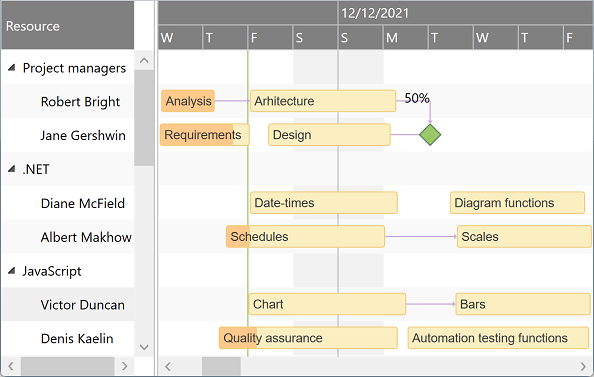
  • Display groups or hierarchies of resources:

    Schedule Chart with data grid, hierarchy

  • Alternatively, display and/or allow end users to update the task hierarchy and resource scheduling information within simple GanttChartView and ScheduleChartView controls, without attached data grids:

    Gantt Chart viewSchedule Chart view

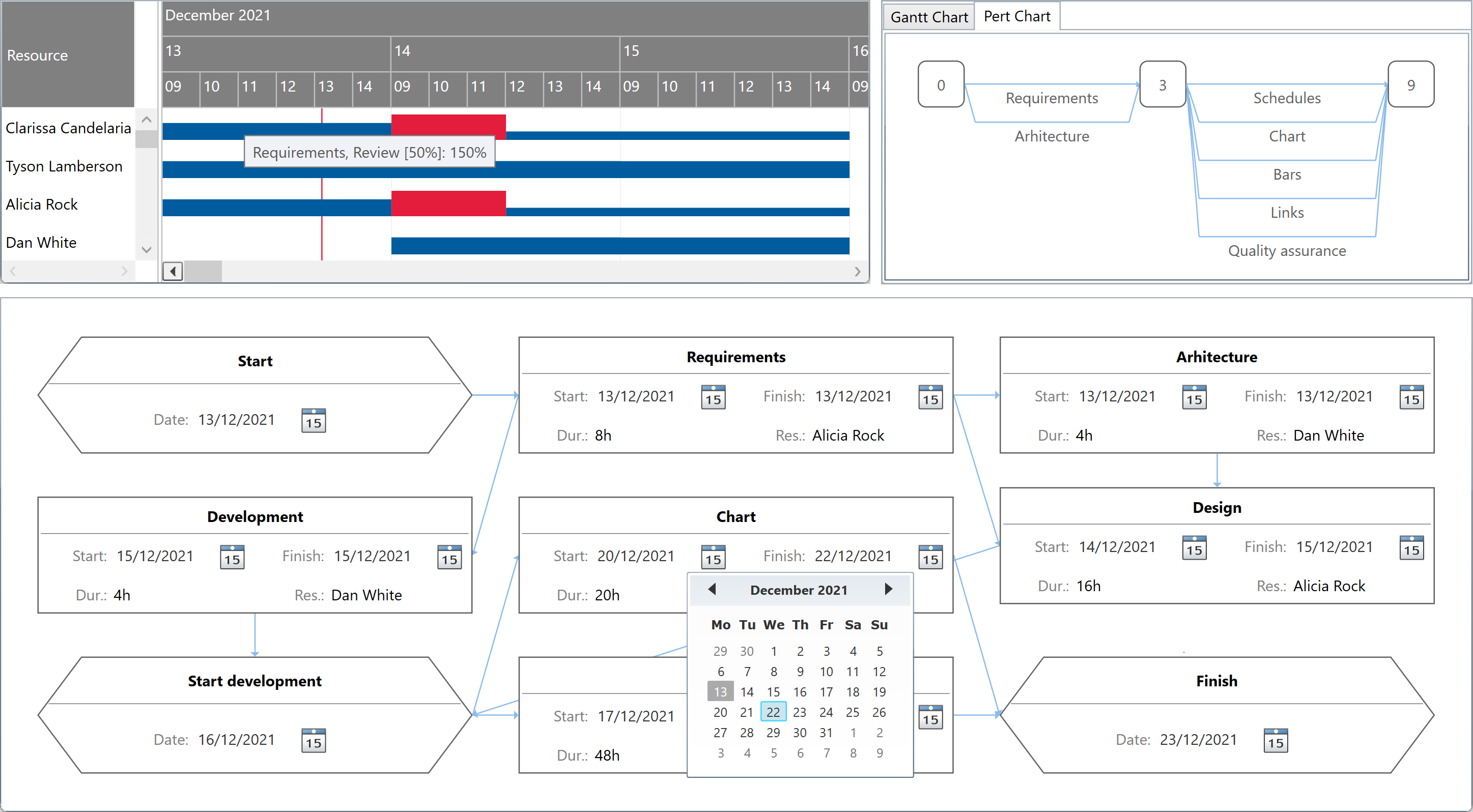
  • Display resource allocation information within the LoadChartView control, either for a single resource item, such as that being currently selected in an external drop down list, or for multiple resource items, within the LoadChartDataGrid control†:

    Load Chart viewLoad Chart with data grid

  • Display network diagram and PERT Chart sheets with the NetworkDiagramView and PertChartView controls†:

    Network diagram viewPERT Chart view


Provided the flexibility and extensibility of the included components, complex functionality can also be achieved when needed in advanced scenarios, without modifying the original source code of the software (although the source code is available with Business Plus licenses):

  • Fully customize the task bar and shape templates, such as to enable inline task value editing, or presenting work interruptions, multiple bars (e.g. planned vs. actual timing values), supplemental textual information, and timeline bound marker icons in the chart†:

    Gantt Chart with data grid, bar templating

    Network diagram, shape templating

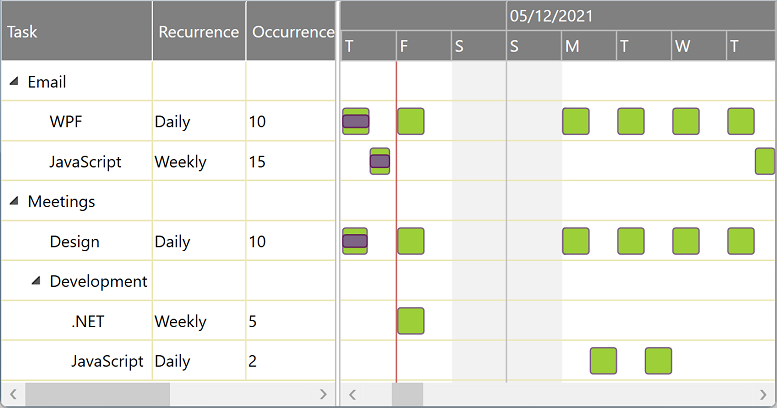
  • Customize the view and include code to generate recurrent tasks:

    Gantt Chart with data grid, recurrence

  • Customize the view and include code to present interactive child task bars in place when summary items are collapsed in the hierarchy:

    Gantt Chart with data grid, summary bars

  • Customize the view and include code to zoom in and generate scales for hours, minutes, or even seconds:

    Gantt Chart with data grid, minute scale

  • Customize the view and include code to present and accept day and week numbers instead of specific date and time values:

    Gantt Chart with data grid, numeric days

† Advanced components and library source code are not available with Basic Edition licenses.


You can download, install, and test the software package for free, for as long as needed. If you find the software useful and you would like to use it in production, you need to purchase and install the product license on your computer(s). Don't hesitate to request support whenever needed.


Related products:

  • Gantt Chart Web Library for ASP .NET 4:
    Includes controls similar to some of the Silverlight™ components within this product, but designed to be hosted in ASP .NET Web sites and applications and targeting HTML5 client browsers.
  • Gantt Chart Hyper Library for HTML5:
    Includes controls similar to some of the Silverlight™ components within this product, but designed to work on HTML5 platform and JavaScript® (ECMAScript) runtime.
  • Gantt Chart Library for WPF and .NET 4:
    Includes controls similar to some of the WPF components within this product, but designed to get higher development elegance, customizability, and coercion/validation levels (triggering lower runtime performance), and using the base ListView control (instead of DataGrid).
Terms of Use Privacy Statement